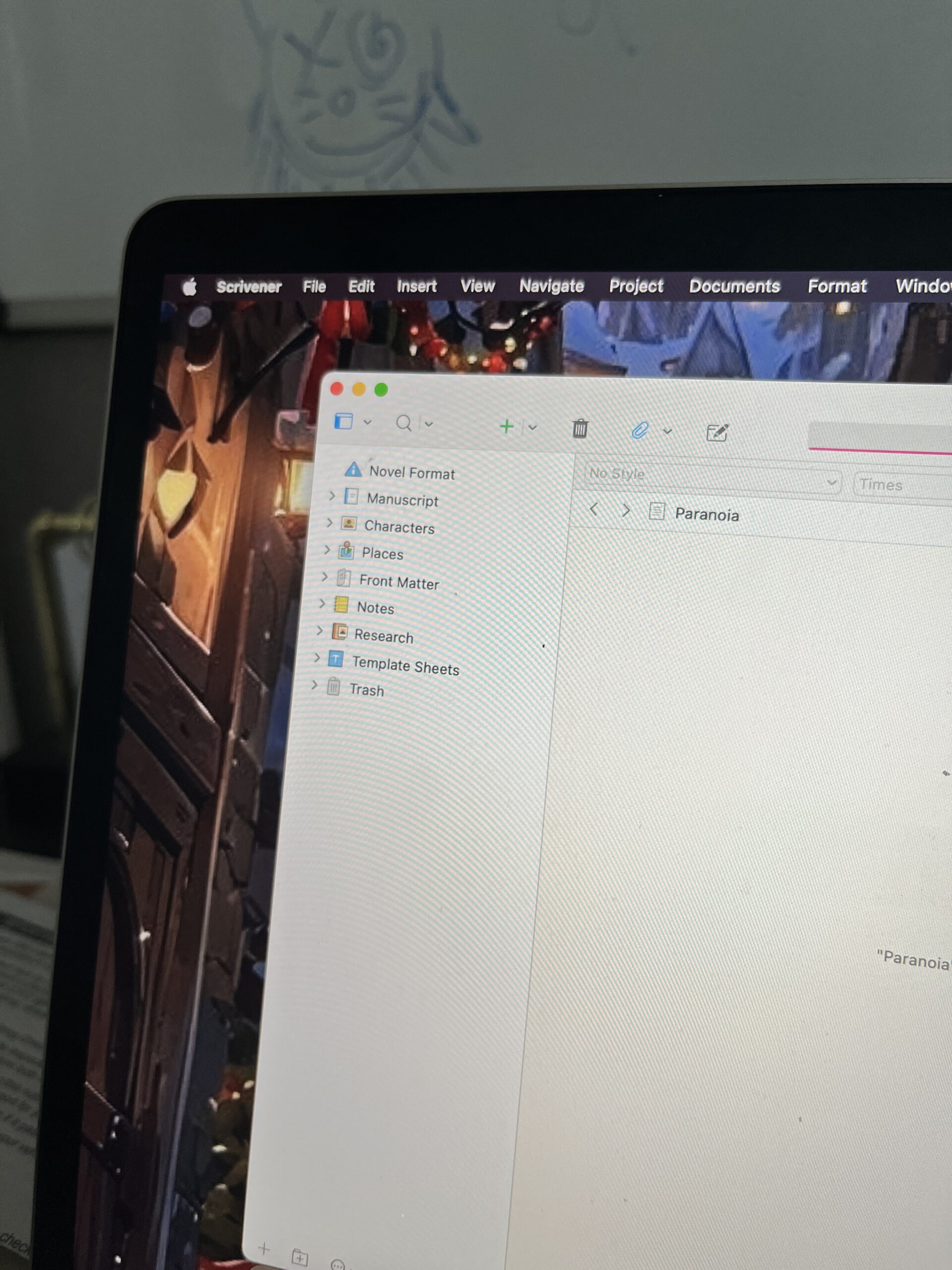
Hello everyone, here’s a quick update on the novel I am working on (yes, I’m still editing).
- On Draft 3
- Editing Chapter 11
- Currently at 92,869 words
Chapter 11 has been tough to edit for a lot of reasons. One being that my novel’s setting takes place at a specific place and time. This leaves me having to do a ton of research on streets, what the weather was like that day, bus routes, logistics of buildings and landscapes, pov, etc. All of which are heavily brought up in this chapter.
My novel is a fictional story but I want my readers to have the ability to imagine that whatever happened in the story could have really happened. My reasoning for this will be explained in the future.
The ultimate game changer (SCRIVENER)

Scrivener has been the greatest writing tool I have discovered since I started using Google docs (still love you Google docs). It is luckily a program that you can buy without a monthly/yearly subscription. Almost unheard of! You can also edit anywhere wifi is not needed.
I began my first draft on Google docs and finished it back in July. After doing so I re-read/marked it up as a pdf on the GoodNotes app on my iPad. Next I copy and pasted the entire novel, chapter by chapter into Scrivener. I divided and organized each chapter into sections called “scenes” something Scrivener uses to help the novel become easier to sift through.

Next, I utilized all the sections that scrivener offers such as Character profiles, Places in the story, and Notes. I find that having all of this in one spot was easier to manage rather than having separate documents for each thing. Referencing consistently was only one click away.

Revision Mode
But probably one of my favorite parts of Scrivener was the revision modes.

Here new edits in text are changed into different colors, this helps me keep track of all the editing that was done and what needs to be finished. I also use something called composition mode A LOT. It spotlights the editor and the content and temporarily takes away the rest of the editor so that the only focus is your manuscript and the editing itself.
It can be found in the corner of the editor

and looks like so…

You can customize the background to fit the theme of your story if you’re looking to go for a certain aesthetic as you edit. It’s a fun little feature. 🙂 For my background I chose an image of a city, which is the setting in my story.
Overall a great investment!
I would love to show more, but really Scrivener can be molded and organized according to the writer’s preferences. These are just mine. Overall, it’s probably the best out there. It does come with a price of 60 dollars. Not a bad investment, but if you’re looking to go the free route, Google docs works just fine for now.
This isn’t a sponsored post, it’s just me sharing what I use and what has worked for me on my novel writing journey! 😀 I hope you guys enjoyed this post, leave a comment if you have your own thoughts or experiences regarding this stage in the book making process!
Leave a Reply